Build a personalized learning tracker with Airtable
Before you set anything up, get clear on where you're headed. Answer these three questions:
What role or career milestone are you working toward in the next 12 months?
What are the top 3 skills you use most in your current role?
What's the biggest skill gap between where you are now and where you want to be?
Save your answers. You'll need them in Step 2.
Get the template here and add it to your own Airtable workspace. Once it's in your account, copy the base URL — you'll need this when connecting Claude.
Go to Claude and create a new Project. In the Project instructions, paste the following prompt with your answers from Step 1 filled in:
"These are my learning goals:

Role I'm working toward: [your answer]

Top skills I use now: [your answer]

Biggest skill gap: [your answer]

When I give you a new topic, assess it against my learning goals and assign it a priority: high, medium, or low. Then break the topic into 3-5 realistic milestones, find official documentation or courses I can learn from, and recommend YouTube tutorials on the topic. When I confirm I want to add it to my tracker, use the Airtable connector to add the topic, priority, milestones, and resources into my learning tracker."In your Claude Project, enable the Airtable connector so Claude can write directly to your tracker. When Claude asks which base to use, give it the URL you copied in step 1.
Open a new chat in your Claude Project.
Type the topic you want to learn (e.g., "RAG", "dbt", "AI agents").
Claude will assign a priority (high/medium/low), break the topic into 3-5 milestones, and recommend resources (docs, courses, YouTube).
If everything looks good, confirm it — and it will be added to your Airtable tracker.
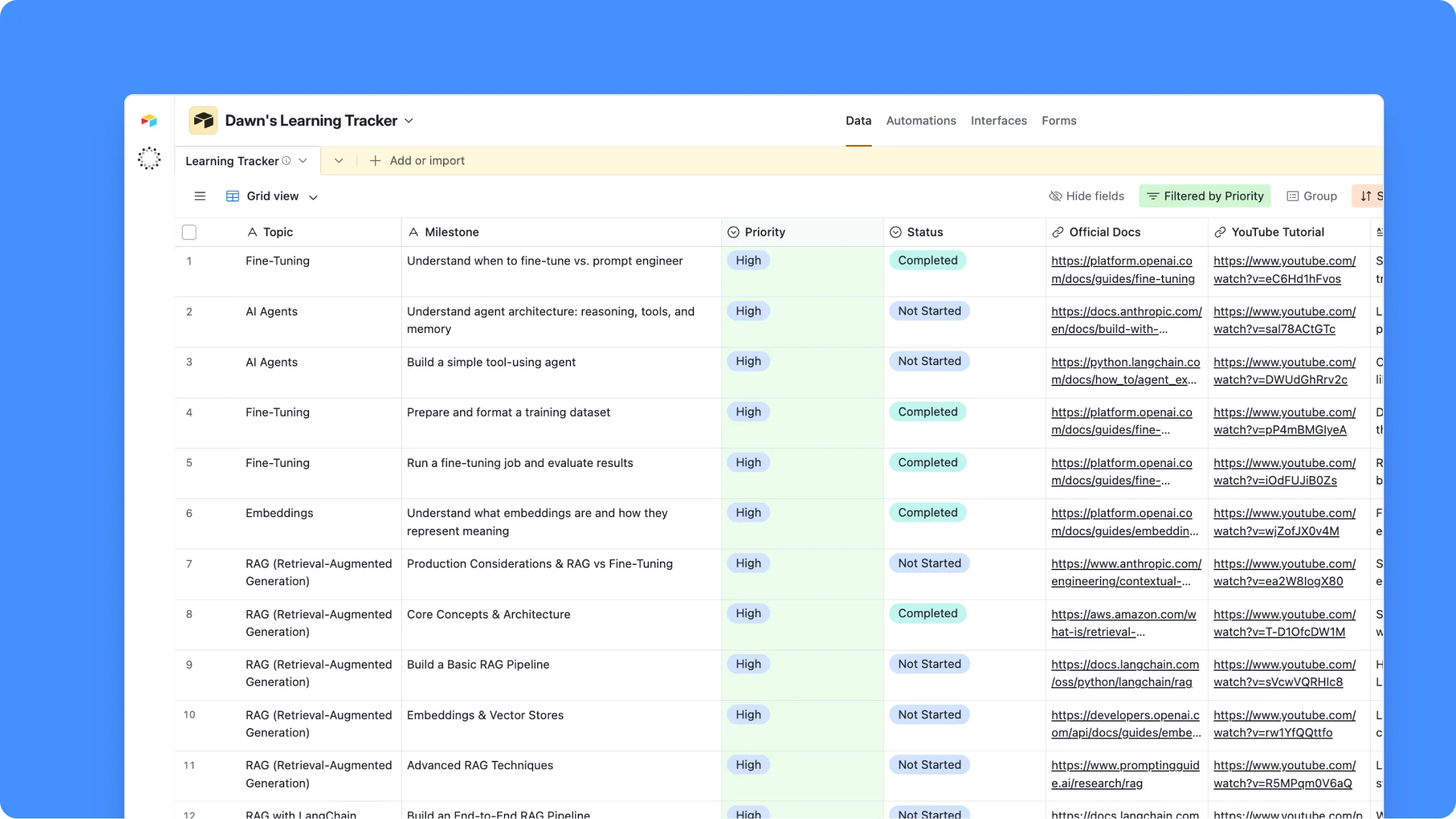
That's it. Your entire learning tracker in Airtable, with the research done through Claude. Happy learning!
About Airtable
The world's largest enterprises use Airtable to build their most critical workflows — all in one AI-enabled platform.